

DOWNLOAD THE APP
Download CertPal
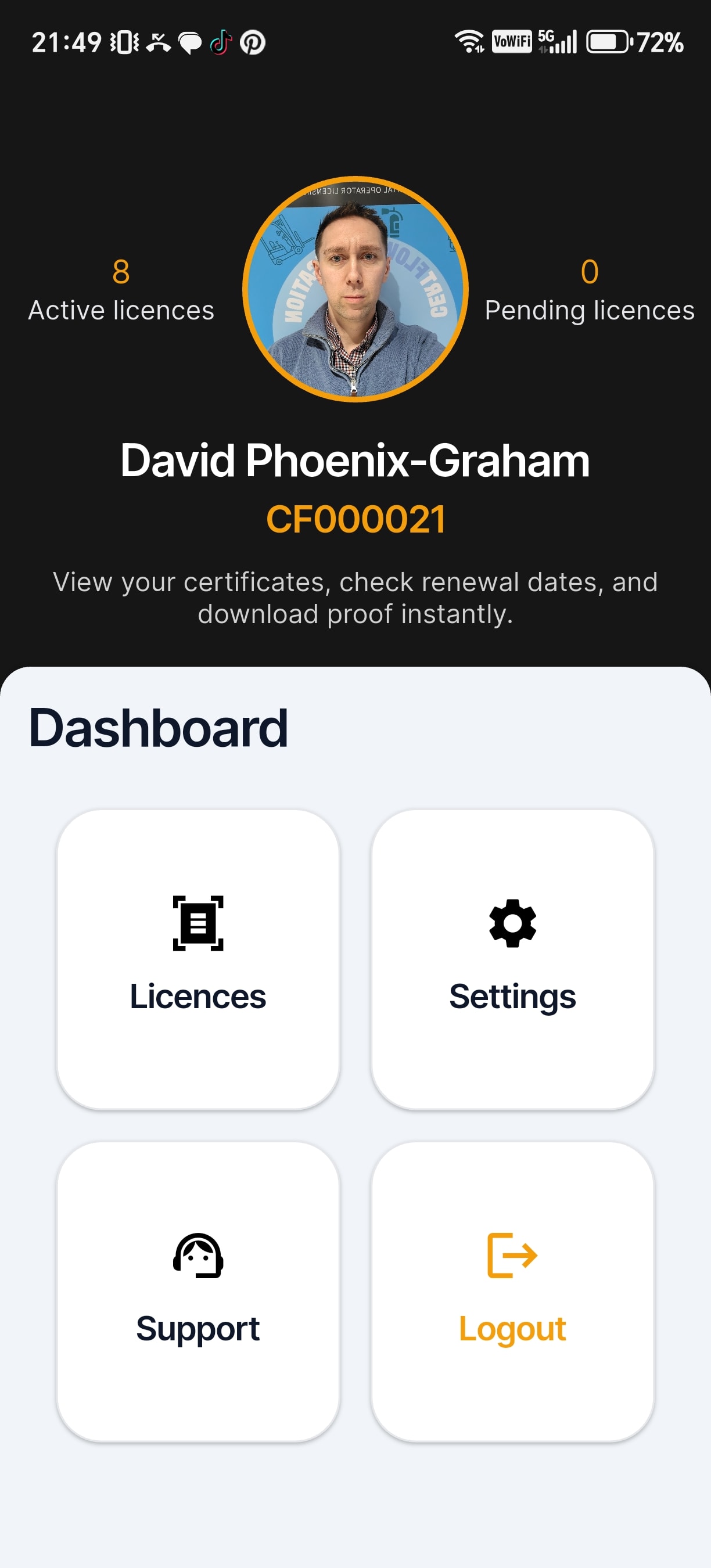
Certificate and licence management for training providers and operators. Issue, track, and verify credentials from your phone, no spreadsheets, no chaos.
CHOOSE YOUR DEVICE
Install on iPhone or Android
CertPal is currently distributed direct to operators and training providers, not yet listed on the public App Store or Play Store. Pick the option that matches your phone.
Apple
iPhone
CertPal is delivered through TestFlight, Apple’s official beta system. First install the free TestFlight app from the App Store, then tap the button above to install CertPal.
- Install TestFlight from the App Store (free).
- Tap the yellow button above on your iPhone.
- Hit “Accept” then “Install” in TestFlight.
Android
Android phones & tablets
Because CertPal is delivered direct (not via the Play Store), Android will show a security prompt the first time. This is normal for direct app installs: you’ll need to allow installs from your browser.
- Tap the yellow button above to download the APK.
- When prompted, tap “Install anyway” or allow “install from unknown sources” for your browser.
- Open the downloaded file to install CertPal.
SHARE THE APP
Show it in person, or send it remotely
In person, point a phone camera at the QR code to open this page on the device you want to install CertPal on. Sharing with someone who is not in the room? Copy the link and send it over.
NEED A HAND?
Trouble installing?
If the TestFlight link expires, the APK won’t open, or you’re stuck on a security prompt, get in touch and we’ll walk you through it.
Contact usCOMMON QUESTIONS